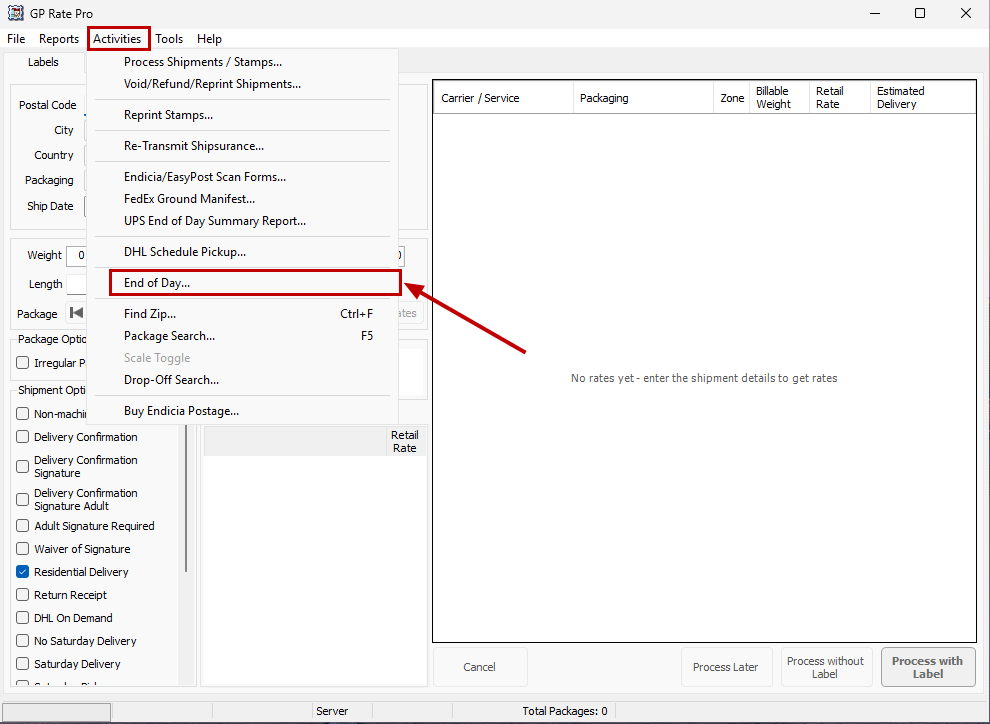
1. At the end of the day, click Activities, then click End of Day…
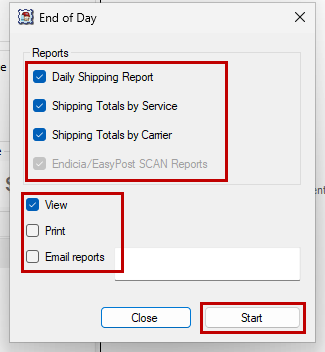
2. Tick the reports you want (Daily Shipping Report, Shipping Totals by Service, Shipping Totals by Carrier, and Endicia/EasyPost SCAN Reports if your store ships USPS through Endicia or EasyPost). Choose whether to View, Print and/or Email reports, then click Start. GP Rate Pro remembers your choices for next time.
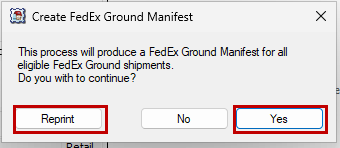
3. FedEx Ground manifest: click Activities › FedEx Ground Manifest… and click Yes to produce a manifest for all eligible FedEx Ground shipments. Click Reprint to print one you made earlier.
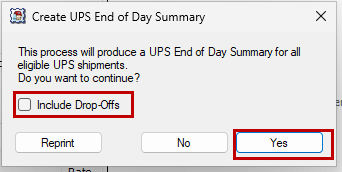
4. UPS End of Day Summary: click Activities › UPS End of Day Summary Report… Tick Include Drop-Offs to add today’s UPS drop-offs, then click Yes. Click Reprint to print an earlier summary.
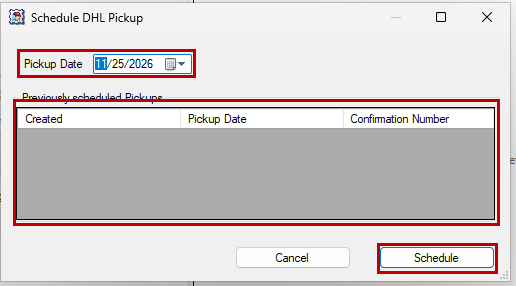
5. DHL pickup: click Activities › DHL Schedule Pickup…, choose the Pickup Date and click Schedule. Pickups you already scheduled are listed with their confirmation number.
6. USPS SCAN forms can also be made on their own; see How to create a SCAN Form.


