- In GP Rate Pro Labels Tab make sure box Purpose Commercial is unchecked.
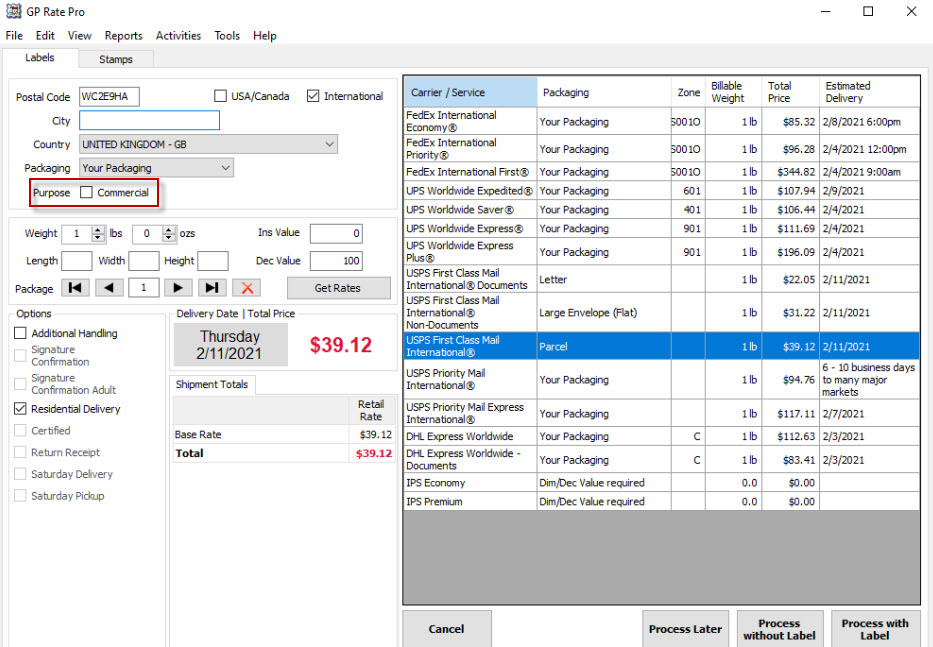
2. Enter destination address, measurements and declared value, then click Get Rates. Select Carrier/Service and click Process with Label.
2. Enter destination address, measurements and declared value, then click Get Rates. Select Carrier/Service and click Process with Label.


