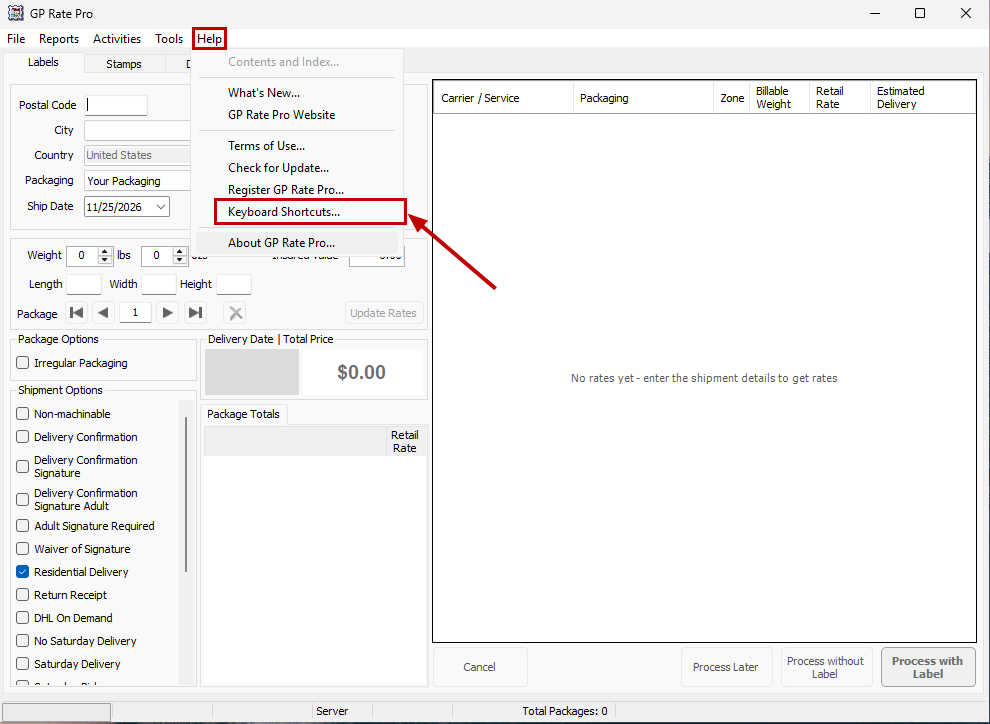
1. Keyboard shortcuts: click Help › Keyboard Shortcuts… to see them all.
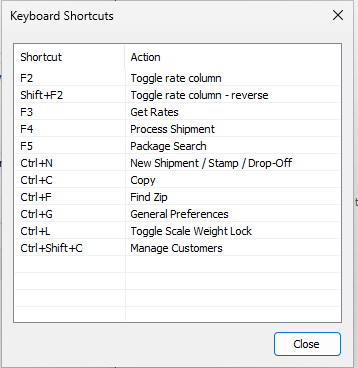
| Shortcut | Action |
|---|---|
| F2 | Toggle rate column |
| Shift+F2 | Toggle rate column – reverse |
| F3 | Get Rates |
| F4 | Process Shipment |
| F5 | Package Search |
| Ctrl+N | New Shipment / Stamp / Drop-Off |
| Ctrl+C | Copy |
| Ctrl+F | Find Zip |
| Ctrl+G | General Preferences |
| Ctrl+L | Toggle Scale Weight Lock |
| Ctrl+Shift+C | Manage Customers |
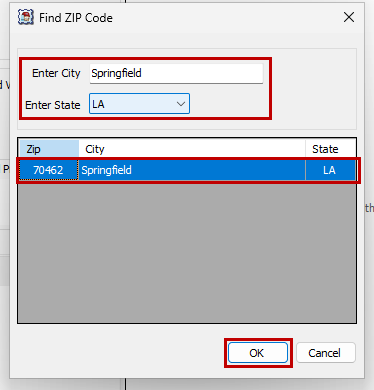
2. Find a ZIP code: press Ctrl+F (or click Activities › Find Zip…). Type the city, choose the state, select the ZIP code in the list and click OK. GP Rate Pro puts the ZIP code into the Postal Code box on the Labels tab.
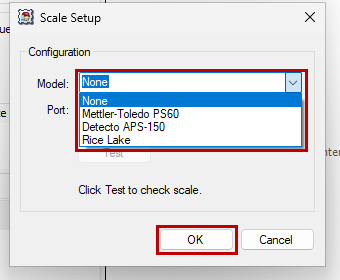
3. Set up your scale: click File › Scale Setup… Choose your scale Model (Mettler-Toledo PS60, Detecto APS-150 or Rice Lake) and the Port it is plugged into, click Test to check it, then click OK. Press Ctrl+L to lock the weight the scale is showing.
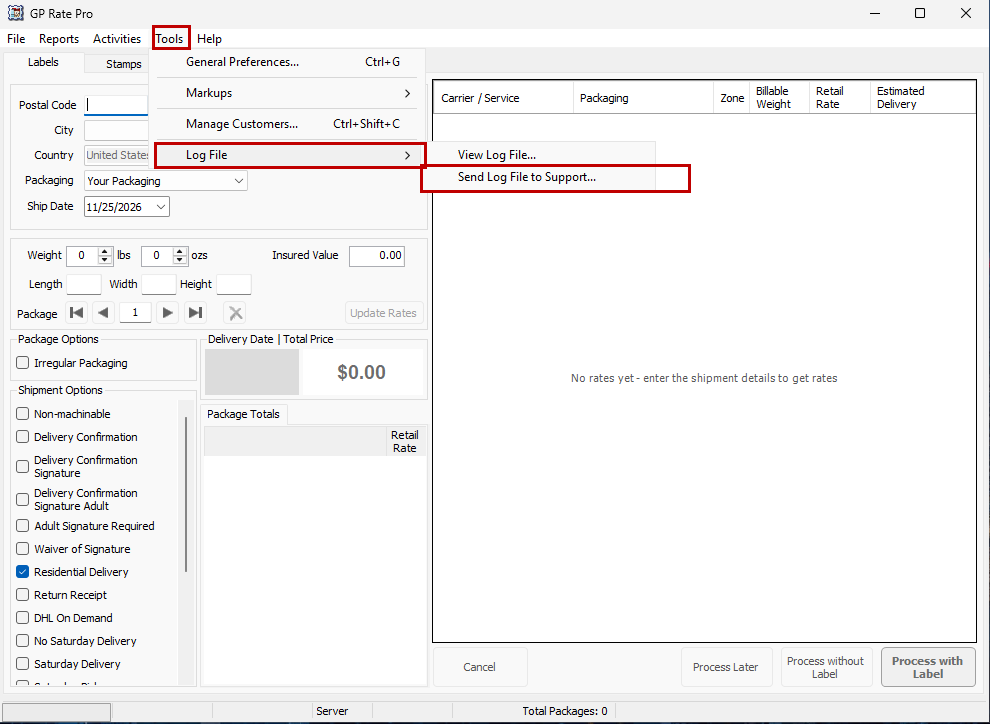
4. Send your log file to support: if support asks for your log, click Tools › Log File › Send Log File to Support… (View Log File… opens it on your PC).
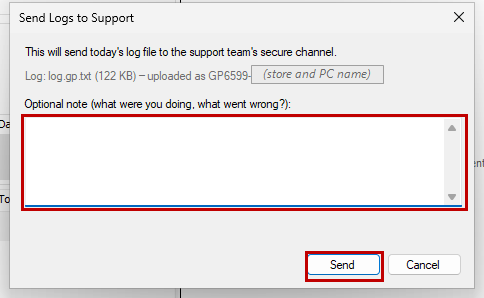
5. Type a short note about what you were doing and what went wrong, then click Send. Today’s log file goes to the support team’s secure channel.